A budget app without bank linking
Not everyone wants to hand a budget app their bank login. Here is how a budget app works without bank linking, what you give up, what you keep, and how Subsi gets your spending in.
Last updated: November 15, 2026
Why some people skip bank linking
- Privacy. Linking hands your transactions to the app and usually to a data provider in between.
- Coverage. Not every bank or country is supported, and cash doesn't show up at all.
- Upkeep. Connections can break and need re-linking, and imports can miss or duplicate transactions.
- Intent. Some people simply want to decide what gets recorded.
None of this makes bank linking wrong. It is a trade-off, and this page is for people who would rather not make it.
What you give up and what you keep
| Bank-linked app | Manual or on-device app | |
|---|---|---|
| How entries arrive | Imported from the bank automatically | You add them: by hand, from a screenshot or PDF, or from pasted text |
| Who can see your transactions | The app's servers, and often a third-party data provider | Only you, on your phone (with Subsi) |
| Which banks work | The ones the provider supports | Any bank in any country, and cash |
| Effort | Low once linked | Higher: you choose what to record |
The honest cost is effort. If you want every transaction pulled in without lifting a finger, a bank-linked app fits you better.
How Subsi adds entries without a bank connection
- By hand. The + at the top right adds an expense, income, subscription, bill, installment or card statement.
- From a screenshot or PDF. Pick a screenshot of your subscriptions list, a bill or a card statement PDF. Subsi shows what it found and you choose the ones that are right. The reading happens on your phone and the file is never uploaded.
- From pasted text or the Share menu. Paste text, or share from Photos, Files or email straight to Subsi.
A daily budget without a bank feed
Enter your pay, payday and balance. The Accounts tab then shows how much is safe to spend each day until payday, and your own entries move the number. Every entry you add moves the number.
Before you spend you can ask "what if?": what if I pay only the minimum on the card, spend a big amount today, or pay in installments? The effect shows on the chart through the end of the month.
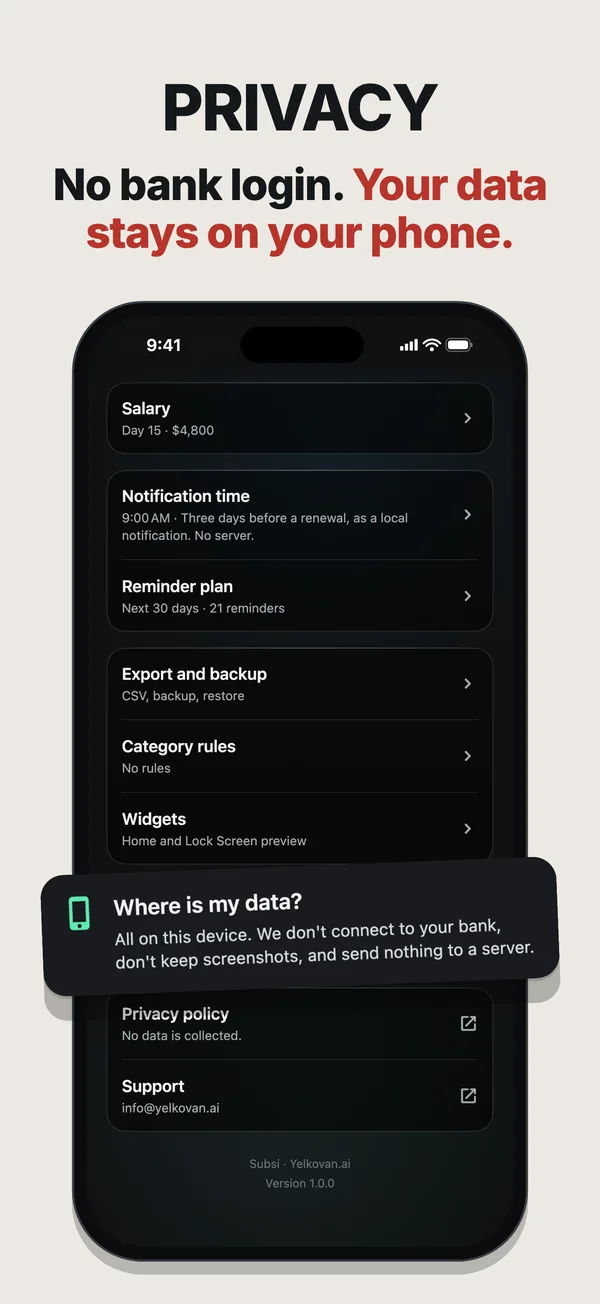
Where your data lives
- No account or sign-in, and we run no server.
- The app never goes online; the Android version doesn't even have the internet permission.
- No ads, analytics, crash reporting or tracking; nothing is collected.
- You decide when to share a backup or a CSV export, and you can delete all your data any time.
The flip side: because the data lives only on your phone, make a backup before you switch phones. Backups also work between iPhone and Android. Details: Subsi privacy addendum.
Is it for you?
It fits if you want a private budget and a subscription tracker, are fine adding entries yourself or from a screenshot, and care about where your data goes. It doesn't fit if you want every transaction imported automatically from your bank.
Subsi is on iPhone, iPad and Android. It's a one-time purchase: no subscription, no ads and no in-app purchases.
Frequently asked questions
Does Subsi connect to my bank?
No. There is no bank connection, account or sign-in.
Does it work offline?
Yes. The app never goes online, so nothing needs a connection.
Does it work outside the US?
Yes. You pick your main currency in Settings, and for other currencies you enter the exchange rate yourself.
What happens to my data if I lose my phone?
It lives only on your phone, so a backup matters. Make one in Settings and keep it somewhere you trust. If your phone's own backup (iCloud or Google) is on, the system may include the app's data in it.
Related: Subsi, a subscription tracker app · Support